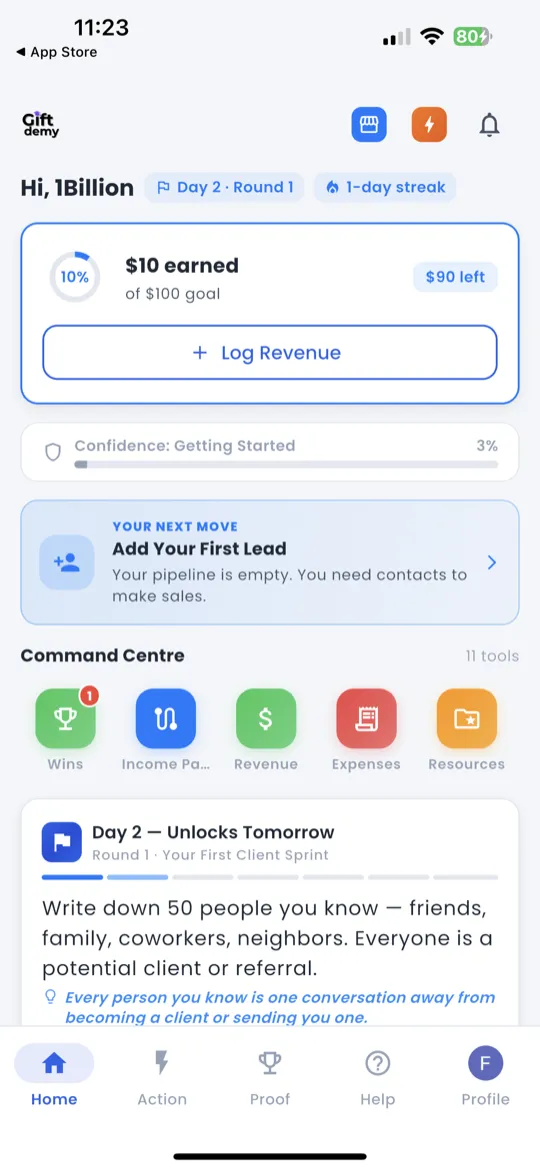
How to Open the Daily Check-In
There are two ways to get to the Daily Check-In:
- Home tab — tap the Daily Check-In card or button on the Home screen.
- Action tab — after completing your tasks, a prompt guides you to check in.
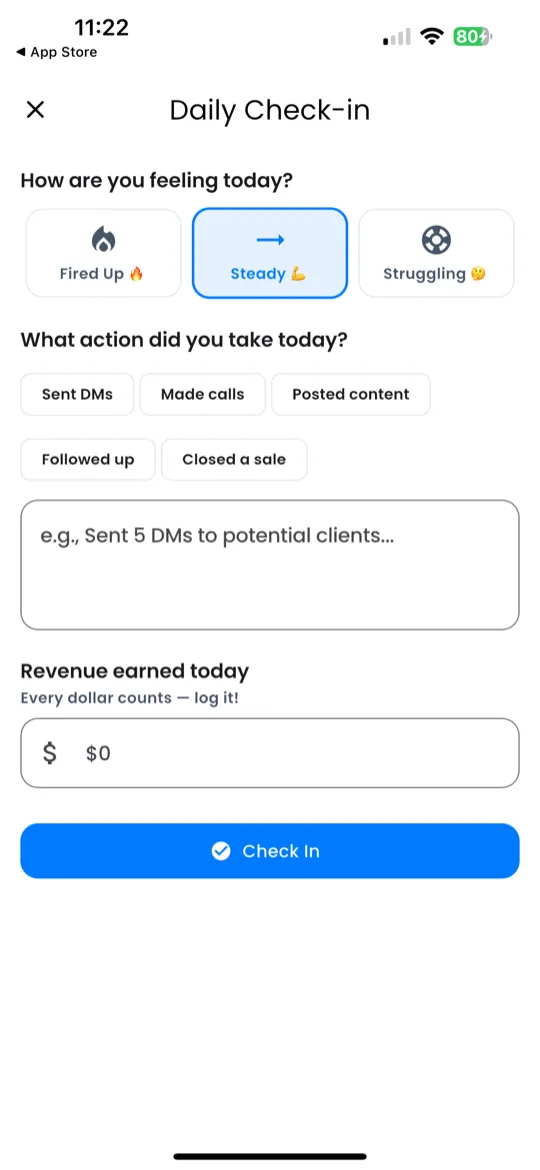
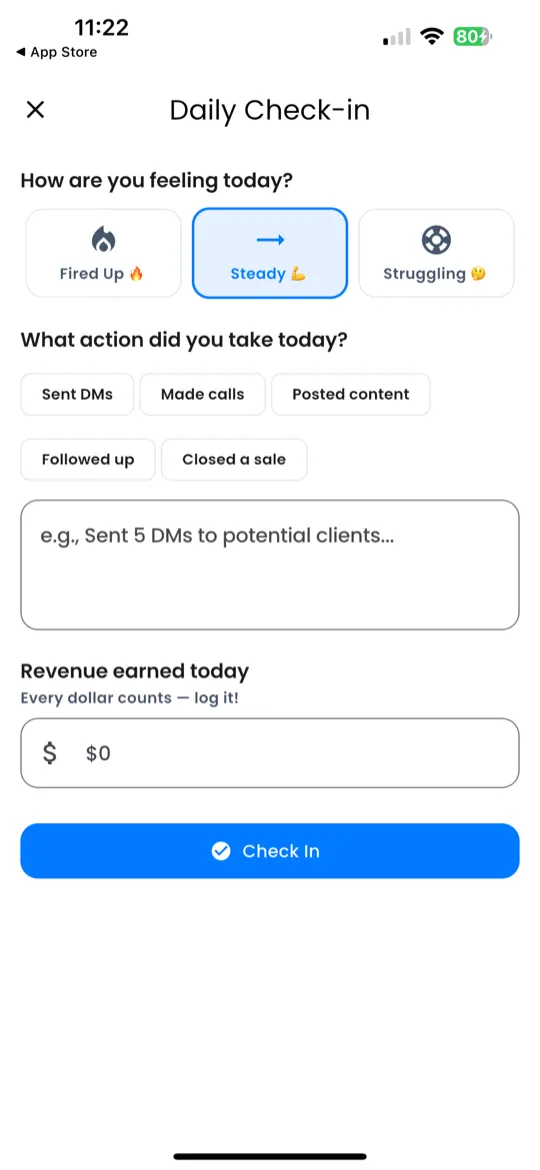
Step 1 — Action
You'll see a text field asking: "What action did you take today?"
Type a short summary of what you did. Examples:
- "Sent DMs to 5 potential clients on Instagram"
- "Posted my first offer on WhatsApp Status"
- "Called 3 people about my braiding service"
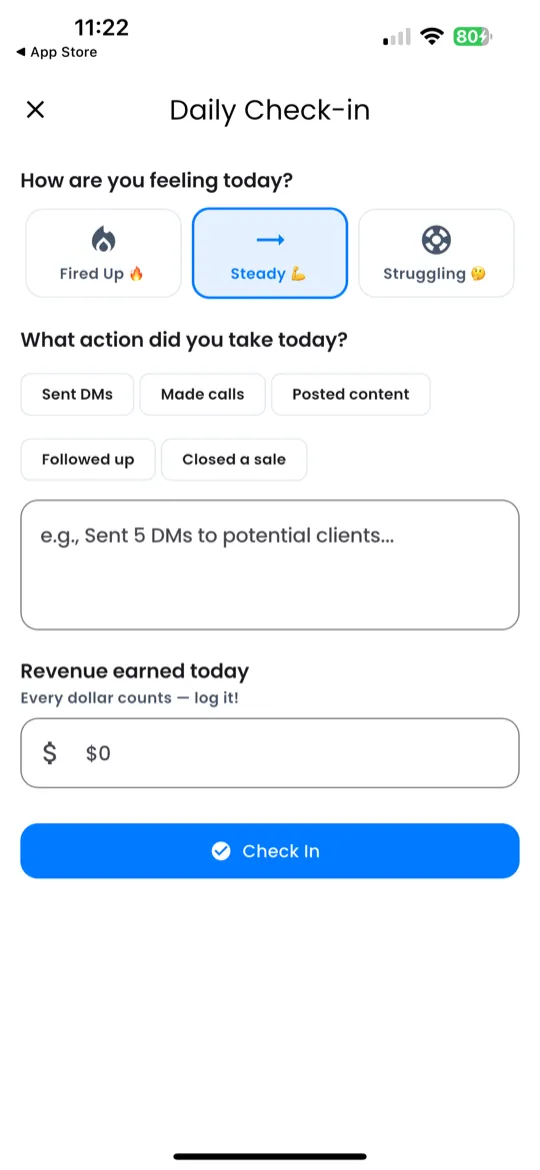
Step 2 — Mood
Pick the mood that best matches how you feel about today's progress. Tap one of 3 buttons:
| Mood | Icon | When to Pick It |
|---|---|---|
| Fired Up | 🔥 | You crushed it — big energy, great results. |
| Steady | 💪 | Solid day — you showed up and did the work. |
| Struggling | 🤔 | Tough day — low motivation or things didn't go as planned. |
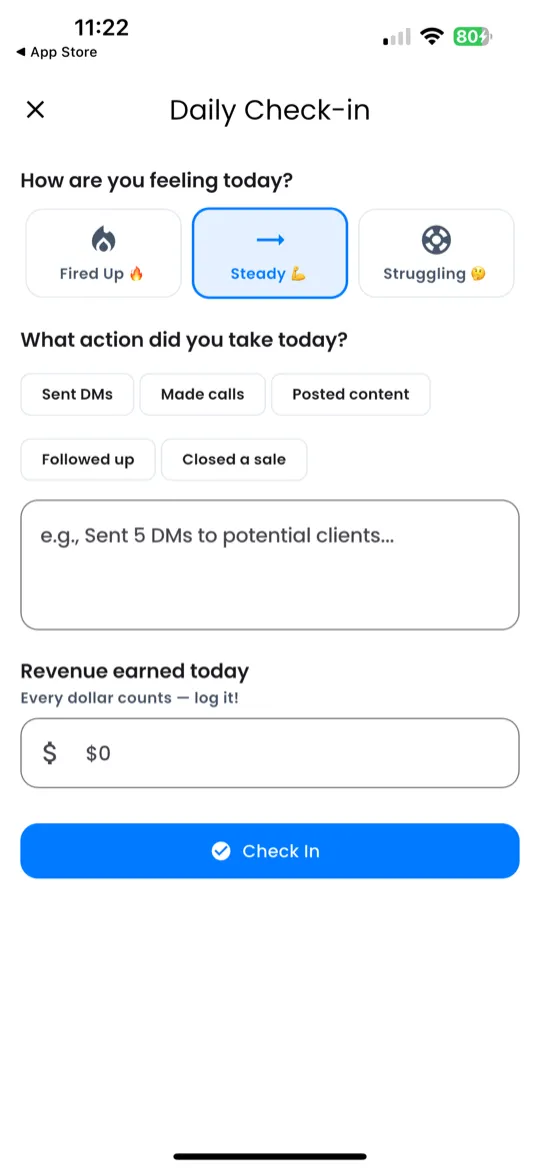
Step 3 — Revenue (Optional)
If you earned money today, enter the amount here. This is optional — skip it if you didn't make any revenue today.
- Enter the dollar amount you earned (e.g., $25).
- This updates your Goal Progress on the Home screen and feeds into the Revenue Tracker.
Step 4 — Submit
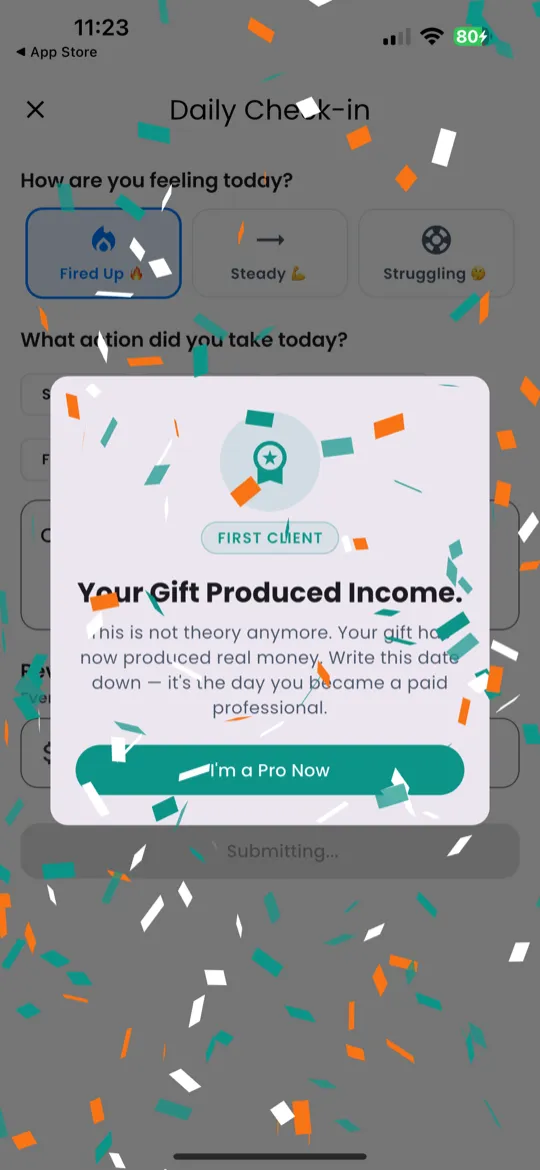
Tap Submit to log your check-in. You'll see:
- A confirmation message — "Check-in complete!"
- Your updated streak count (e.g., "🔥 5-day streak!").
- The current day is marked ✅ on the Challenge screen.
Streaks
Your streak counts how many consecutive days you've completed a Daily Check-In.
- Every day you check in, the streak increases by 1.
- If you miss a day, your streak resets to 0.
- Your streak is displayed on the Home screen, Challenge screen, and Profile.
Keep your streak alive — consistency is the fastest path to income from your gift.