Stats Strip
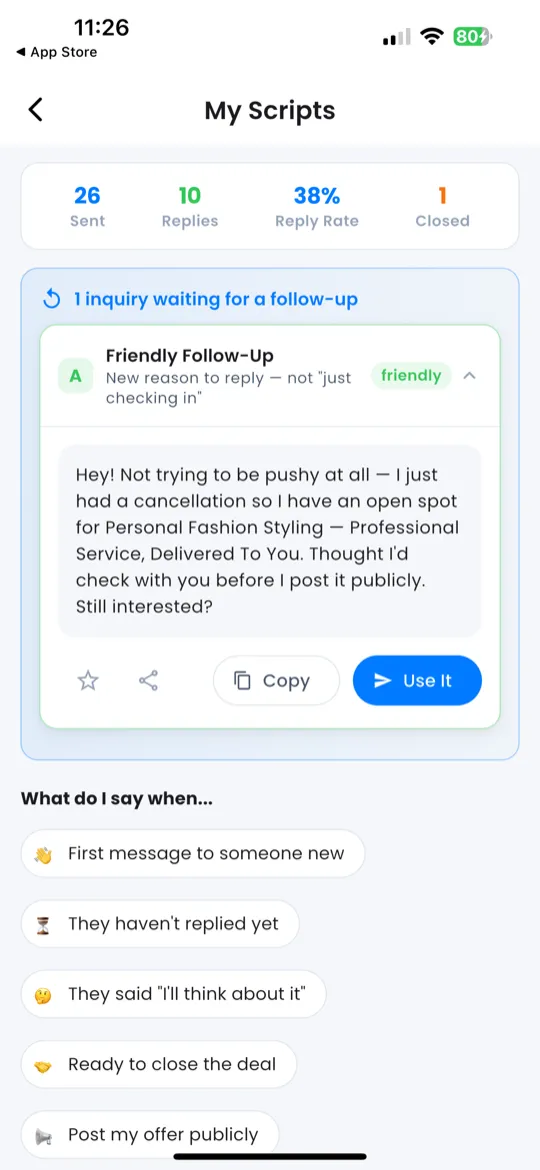
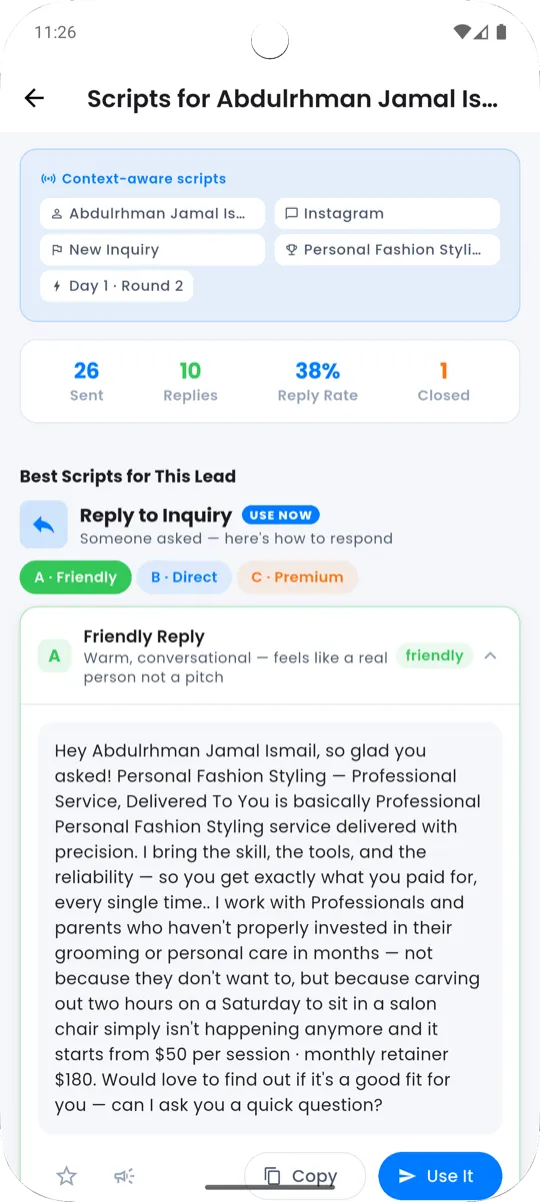
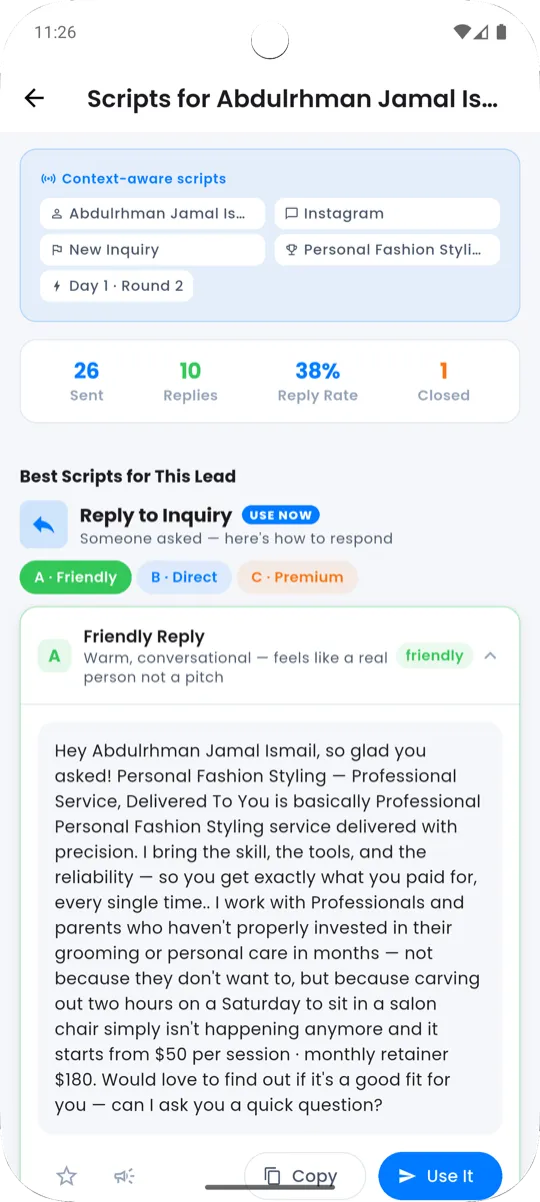
At the top of the Scripts screen you'll see three live counters that track your messaging activity:
- Sent — total scripts copied or shared
- Replies — conversations that got a response
- Closed — deals you moved to completion
These counters update in real time as you use scripts throughout the app.
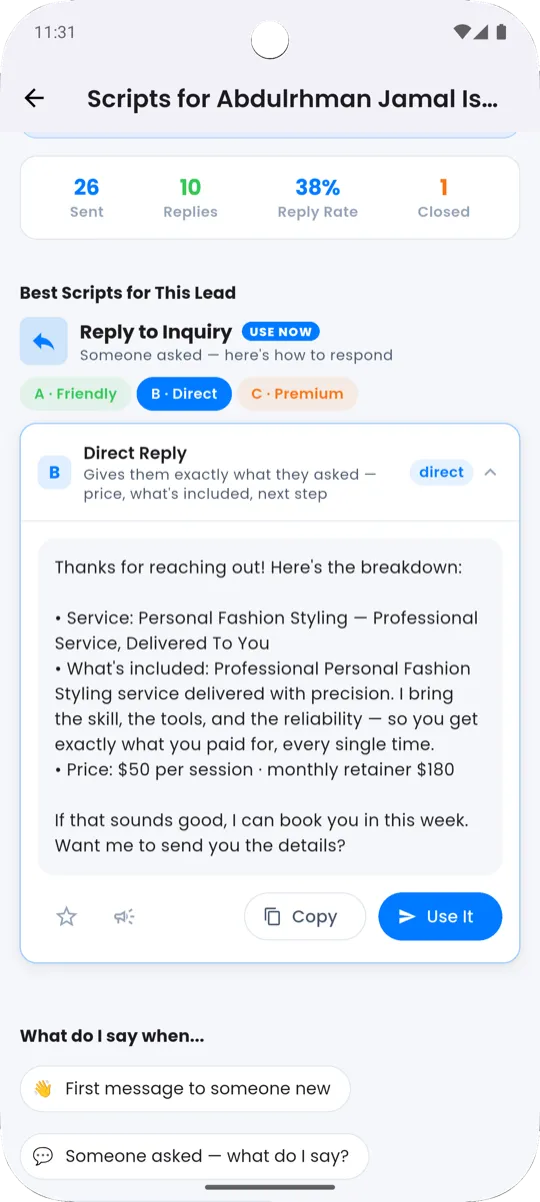
Best Scripts for This Lead
When you open Scripts from a specific client in your Pipeline, this section appears at the top automatically. It shows scripts filtered to match that client's current stage, with the client's name already inserted into the message text.
For example, if a client is in the Offer Sent stage, you'll see follow-up and closing scripts first.
"What do I say when..." Scenario Chips
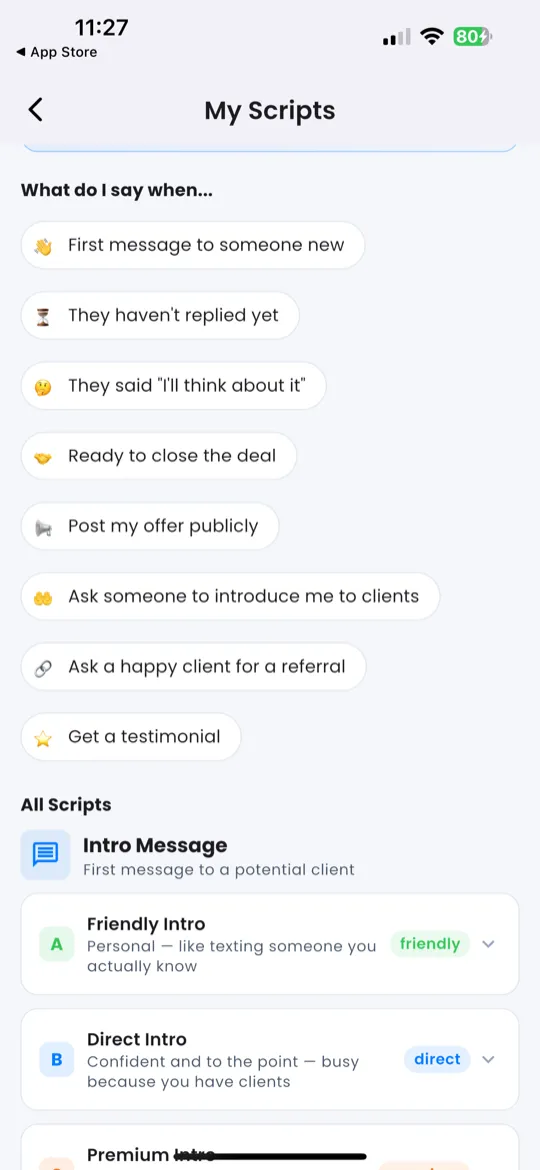
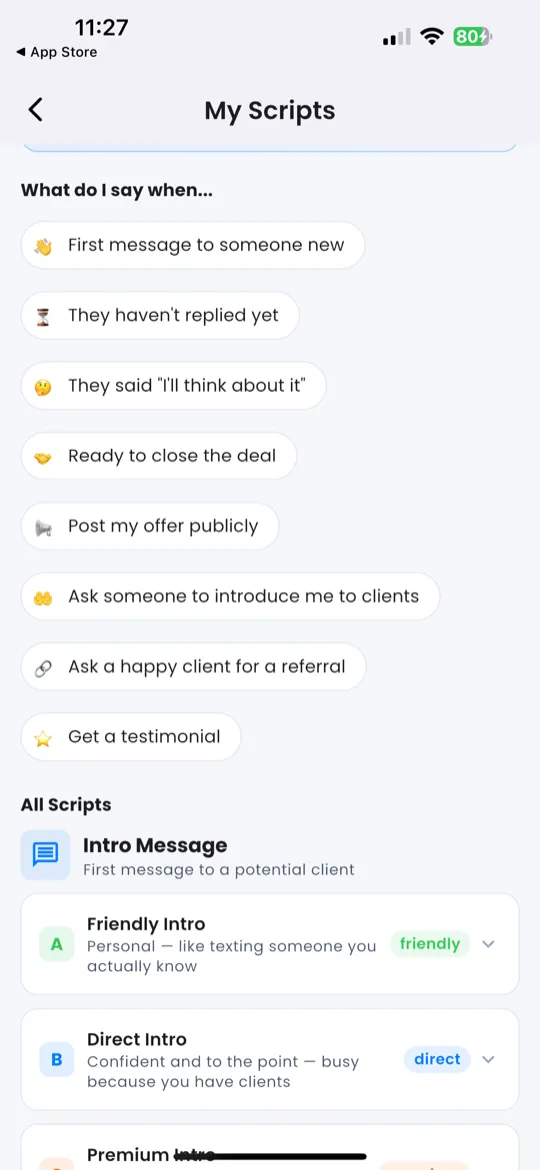
Below the stats strip, you'll find 9 scenario chips — quick-tap buttons for common situations:
| Chip |
Scenario |
| 👋 | First message |
| 💬 | Someone asked |
| ⏳ | No reply |
| 🤔 | "I'll think about it" |
| 🤝 | Close deal |
| 📢 | Post offer |
| 🤲 | Ask for intro |
| 🔗 | Ask for referral |
| ⭐ | Get testimonial |
How it works:
- Tap a chip → a bottom sheet slides up.
- Choose a tone using the horizontal pills:
- A · Friendly (green) — warm, casual
- B · Direct (blue) — professional, to the point
- C · Premium (gold) — polished, high-end feel
- The script appears below the pills.
- Tap Copy to copy it to your clipboard.
All Scripts — 8 Categories
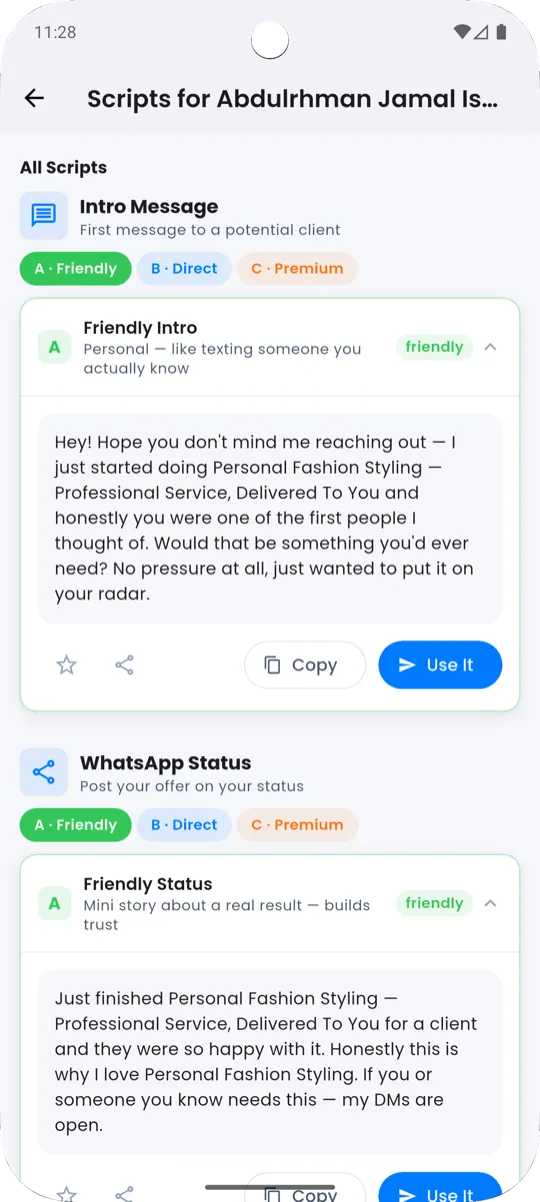
Below the scenario chips, you'll find all scripts organized into 8 categories:
| Category |
Icon |
What It Covers |
| Intro DM | ✉️ | First messages to potential clients |
| WhatsApp Status | 📤 | Posts for your WhatsApp status |
| Inquiry Response | ↩️ | Replies when someone asks about your service |
| Follow-Up | 🔄 | Messages when someone hasn't replied |
| Closing | 🤝 | Scripts to close deals and get commitments |
| Referral Request | 👥 | Asking clients to refer you to others |
| Testimonial Request | ⭐ | Asking clients for reviews and testimonials |
| Warm Referral | 🤝 | Messages when someone was referred to you |
Each category shows horizontal tone pills:
- A · Friendly (green)
- B · Direct (blue)
- C · Premium (gold)
Tap a pill to expand the card with the personalized script text. From there you can:
- Copy — copy the script to your clipboard
- Share — send it directly to a messaging app
- Star ⭐ — save it to your Favorites
Favorites
Any script you star (⭐) appears in the Favorites section, which sits above All Scripts for quick access. This is your personal collection of go-to messages — the ones that work best for your gift and style.
Smart Nudge
Giftdemy watches your pipeline activity and suggests the right script category based on your current state. For example:
- If you have leads stuck in Talking → it nudges you toward Closing scripts.
- If you just completed a deal → it suggests Testimonial Request scripts.
- If you haven't messaged anyone today → it prompts Intro DM or Follow-Up.
Smart Nudges appear as a highlighted suggestion card at the top of the scripts list.
Free vs Premium
Not all tones are available on the free plan:
| Tone |
Access |
| A · Friendly (green) | Free — always available |
| B · Direct (blue) | Some scripts require Premium |
| C · Premium (gold) | Requires Premium subscription |
Locked scripts show a 🔒 icon on the tone pill. Tap it to see the subscription upgrade prompt.


 💎 Subscription & Premium 📋 Client Pipeline (CRM) 🎭 Scenario Player