Marketplace
The Marketplace is where you can discover and book services from other Giftdemy members. Access it from:
- Home → Command Dock → Marketplace
Browsing Services
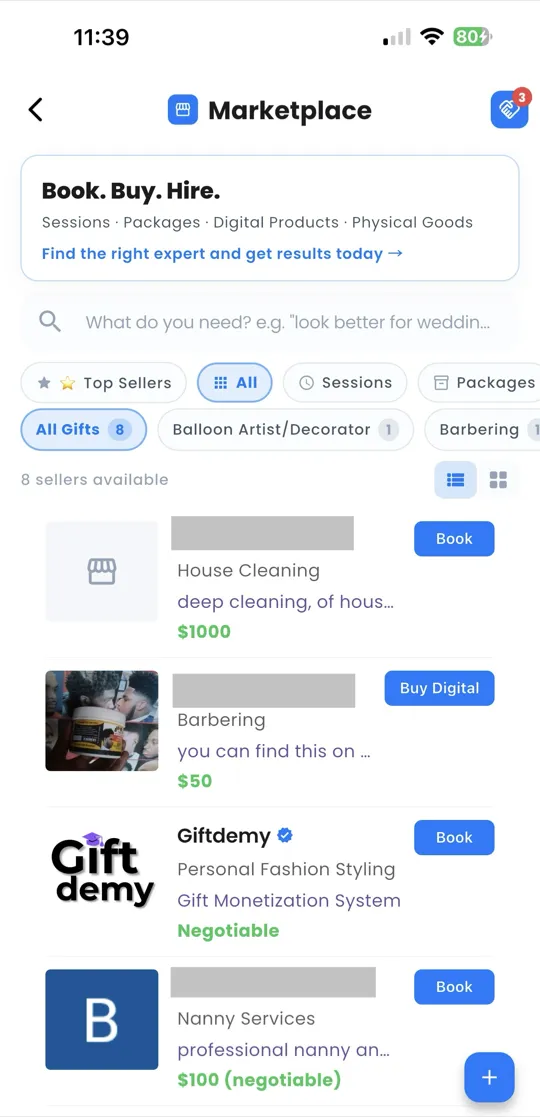
The Marketplace features 293+ gifts across 16 categories. You can explore using:
- Search bar — search by service name, gift type, or keyword
- Filter by type:
- Session — one-time service (e.g., a braiding appointment)
- Package — bundled services (e.g., 3 sessions at a discount)
- Digital Product — downloadable content (e.g., a recipe guide)
- Physical Product — tangible items (e.g., handmade jewelry)
- Provider cards — each card shows the provider's name, gift, rating, and pricing
Booking a Service
To book a service:
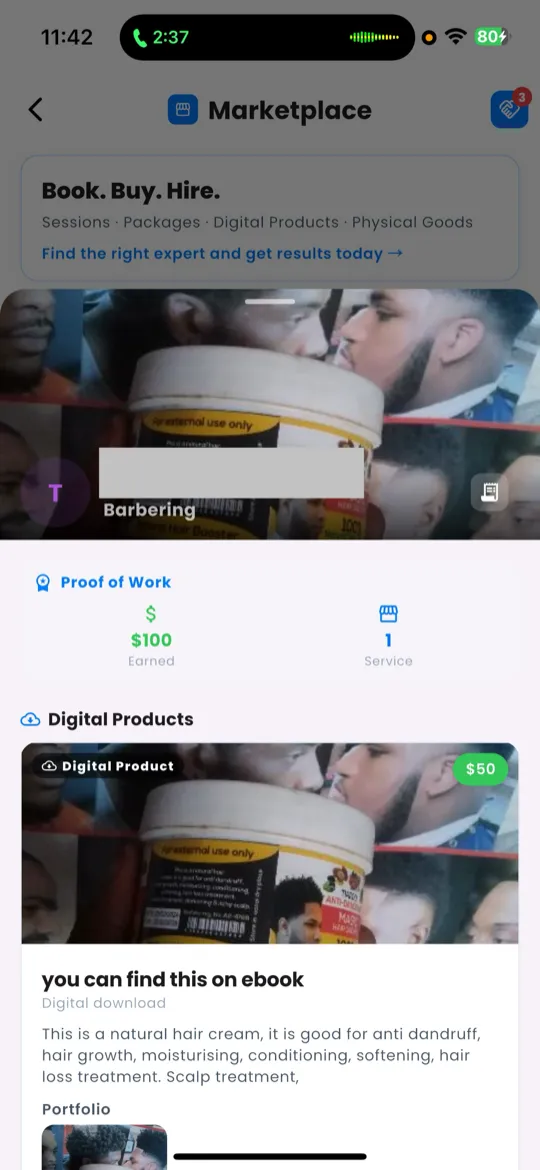
- Tap a provider card to view their full profile.
- Review their profile details, including description, pricing, and reviews.
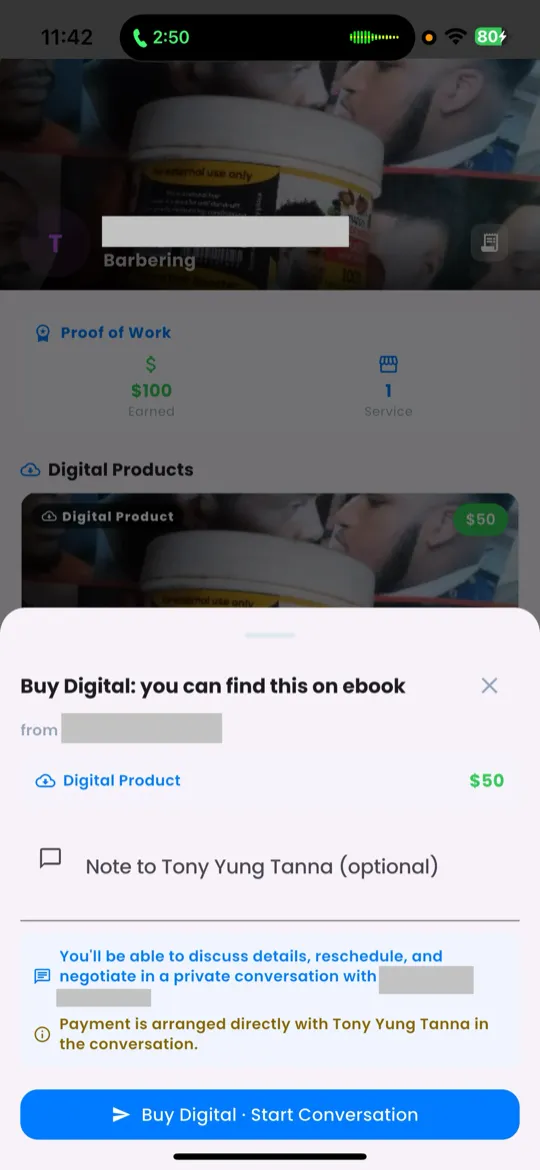
- Tap Book to start a deal, or Message to ask questions first.
My Deals
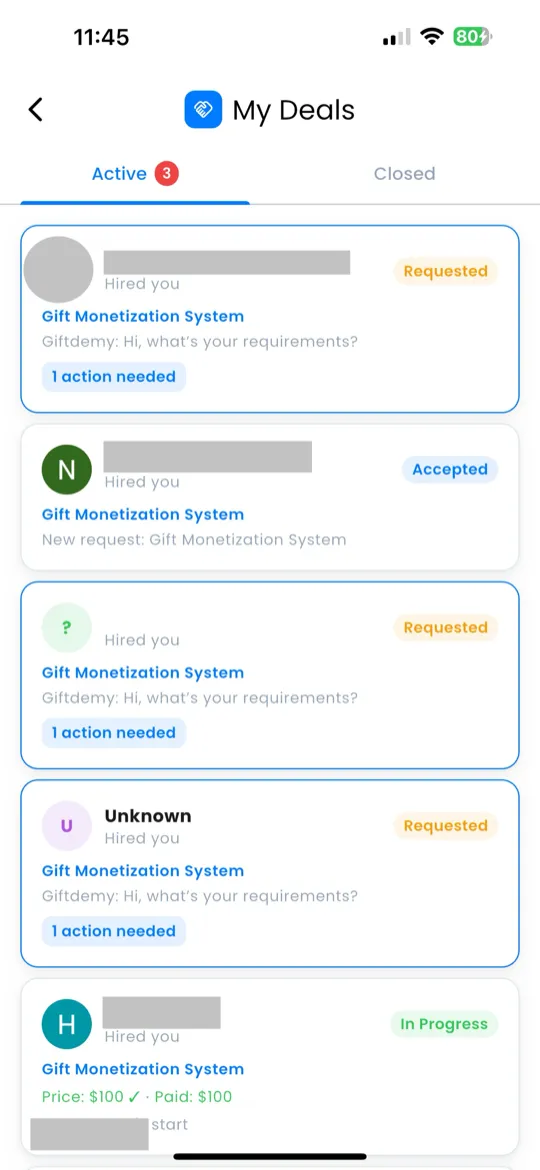
My Deals is where you manage all your active and past engagements — both as a buyer and a seller. Access it from:
- Home → Command Dock → My Deals
Deal Tabs
My Deals is organized into two tabs:
| Tab | What It Shows |
|---|---|
| Active | Deals currently in progress. An attention badge appears if any deal needs your action (e.g., accept, respond, mark complete). |
| Closed | Deals that have been completed or cancelled. |
Deal Detail
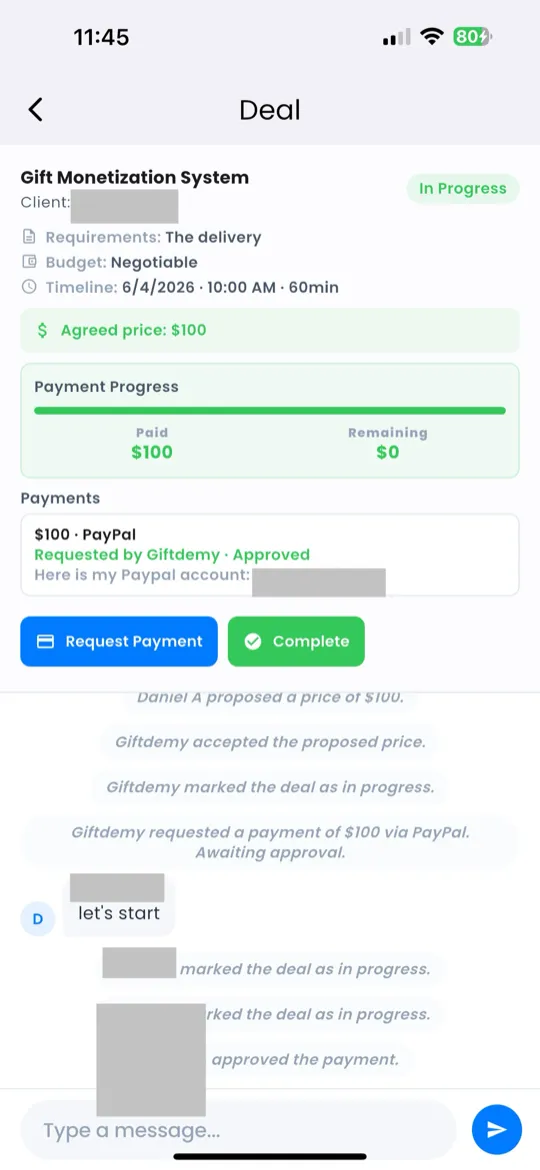
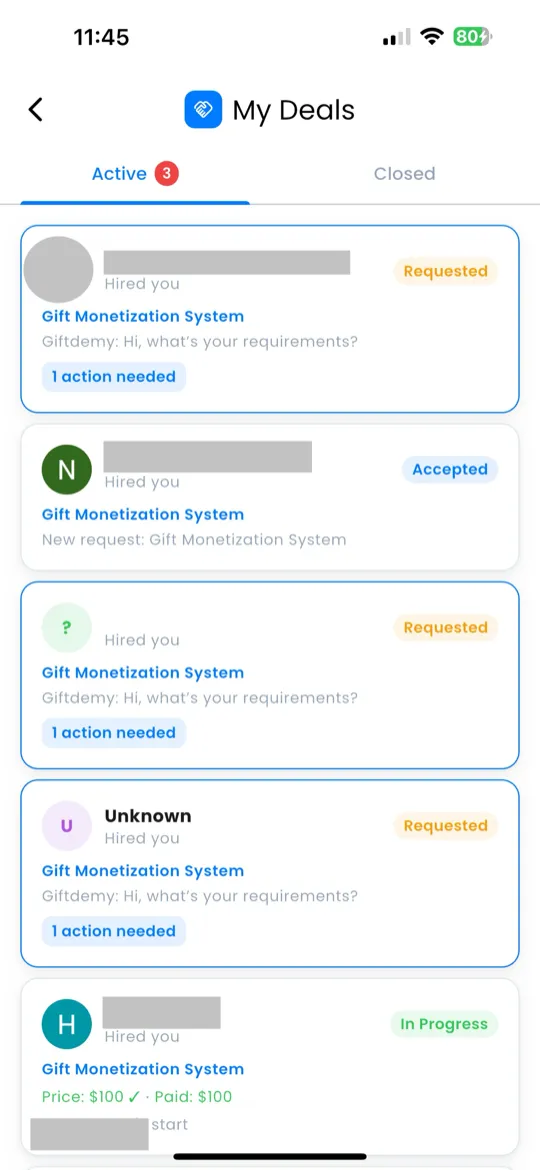
Tap any deal to open its detail view:
- Status — the current state of the deal:
- Pending — waiting for the provider to accept
- Accepted — provider agreed, work not yet started
- In Progress — work is underway
- Complete — work is finished
- Messaging thread — in-deal chat between buyer and seller
- Action buttons — contextual buttons based on the deal status:
- Accept — accept an incoming deal request
- Decline — decline a deal request
- Mark Complete — mark the deal as finished