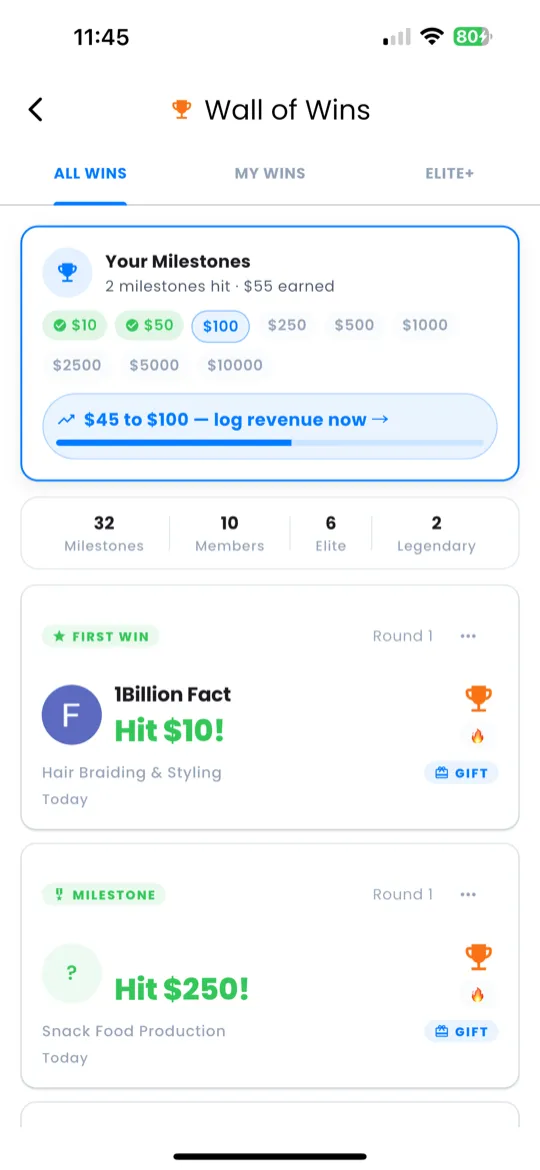
Wall of Wins
Celebrate every milestone in your journey. Navigate to Home → Command Dock → Wins to open the Wall of Wins.
The Wall of Wins tracks your cumulative earnings across 9 milestone tiers:
| Tier | Milestone |
|---|---|
| 1 | $10 |
| 2 | $50 |
| 3 | $100 |
| 4 | $250 |
| 5 | $500 |
| 6 | $1,000 |
| 7 | $2,500 |
| 8 | $5,000 |
| 9 | $10,000 |
On the Wall of Wins you can:
- View milestones — see who has reached each tier and when.
- Send virtual gifts — celebrate a peer's achievement by sending a gift.
- Check achievements — browse your own milestone badges and progress.
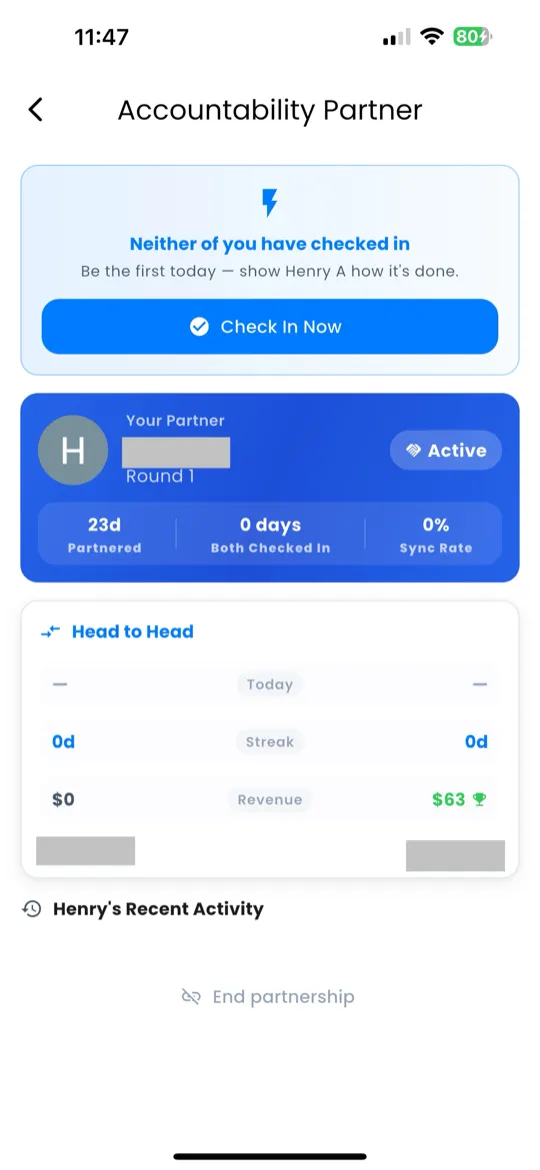
Accountability Partner
Navigate to Home → Command Dock → Partner to access the Accountability Partner feature.
- Tap Find a Partner to start matching.
- Giftdemy pairs you with someone at a similar stage in the challenge.
- Once matched, you'll see your partner's name, gift, round, and streak.
- Complete daily check-ins together — each of you sees the other's progress.
- Use the competition panel to compare stats and stay motivated.
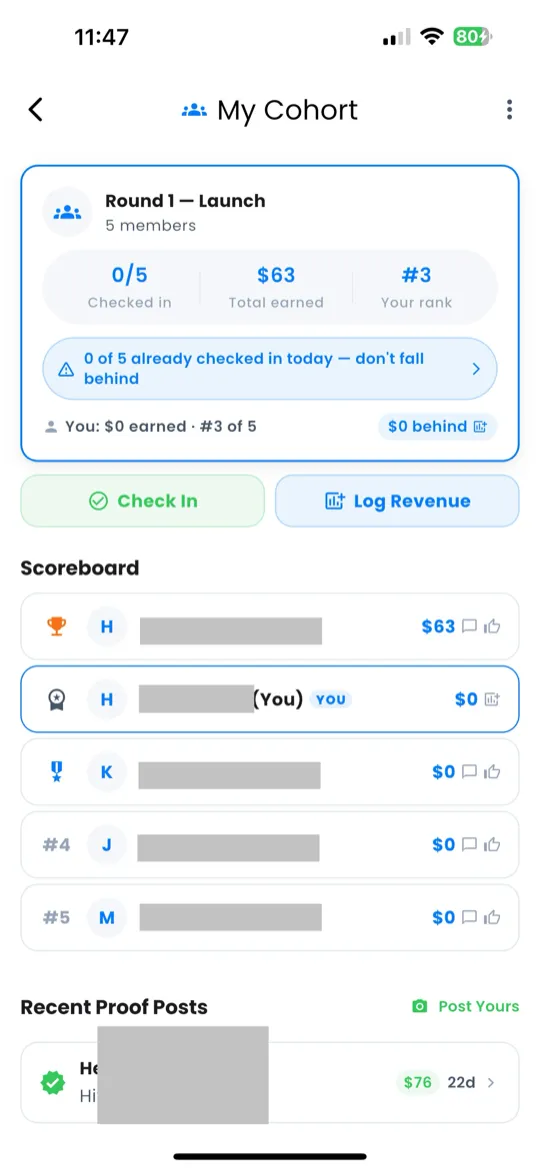
Cohort Dashboard
Navigate to Home → Command Dock → Cohort to see your cohort — a small group doing the same round as you.
- Leaderboard — ranked by activity (check-ins, revenue logged, missions completed).
- Message peers — tap a member to send encouragement or ask questions.
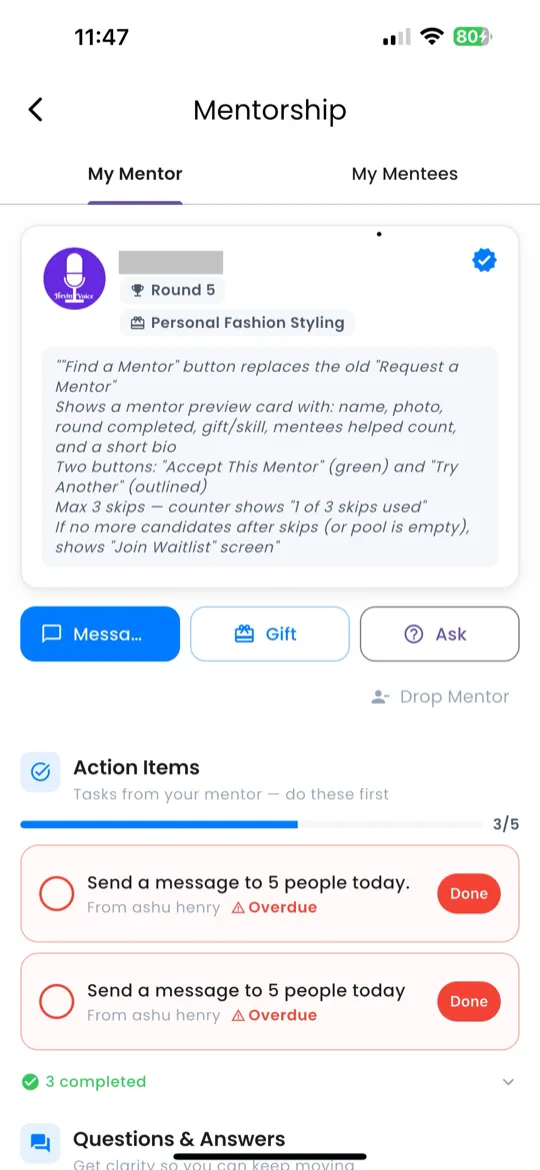
Mentorship Hub
Navigate to Home → Command Dock → Mentor to open the Mentorship Hub.
The hub has two tabs:
- My Mentor — someone who is ahead of you in the challenge. View their profile, message them, and get guidance.
- My Mentees — people who are behind you. As you advance, you're automatically matched to mentees.
Mentors and mentees are auto-matched based on your progress. As you advance through rounds, your mentor updates and new mentees may join.