Free vs Premium
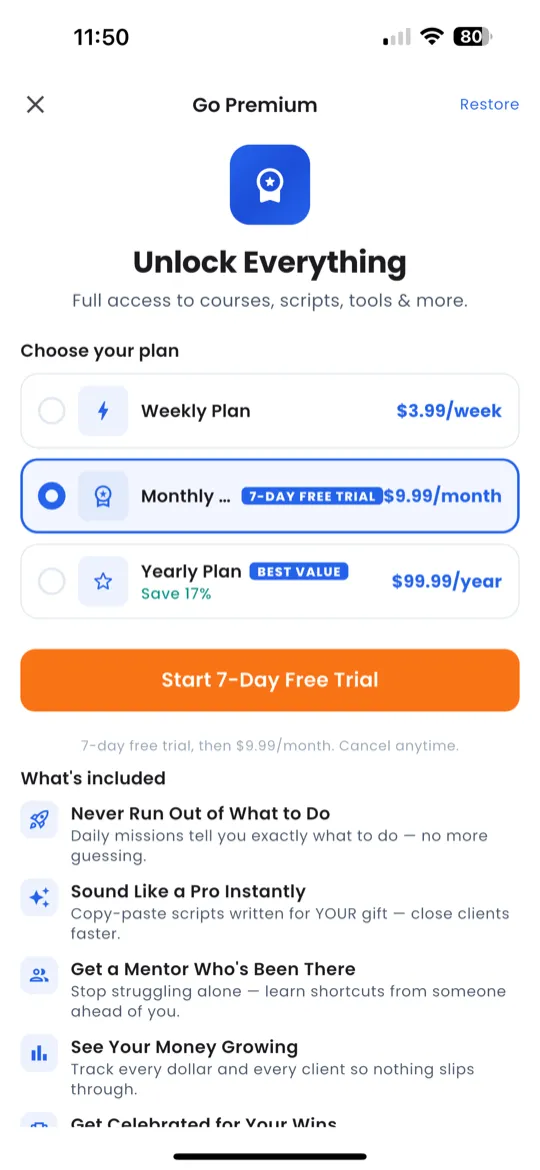
Giftdemy offers a generous free tier. Premium unlocks everything.
| Feature | Free | Premium |
|---|---|---|
| Challenge Missions | ✅ | ✅ |
| Daily Check-In | ✅ | ✅ |
| Pipeline | ✅ | ✅ |
| Revenue Tracker | ✅ | ✅ |
| A Scripts | ✅ | ✅ |
| B Scripts | Some | All |
| C Scripts | ❌ | ✅ |
| Virtual Gifts | ❌ | ✅ |
| Income Path | ❌ | ✅ |
| Social Features | ✅ | ✅ |
Subscription Plans
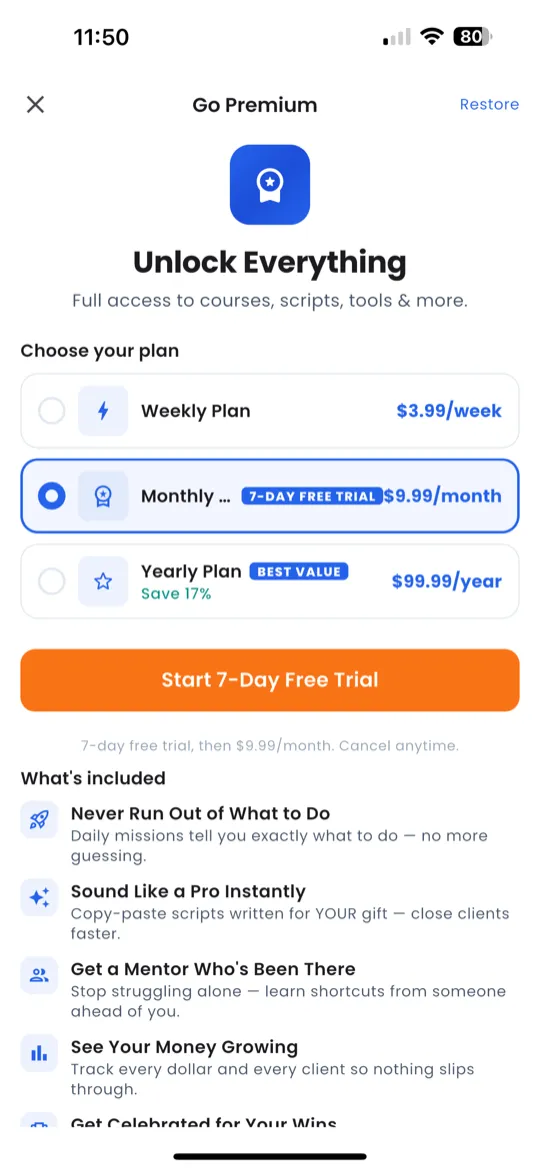
You can access the subscription screen by tapping any 🔒 locked feature or navigating to Profile → Premium.
| Plan | Billing | Note |
|---|---|---|
| Weekly | Billed every week | Flexible, try it out |
| Monthly | Billed every month | Most popular |
| Yearly | Billed annually | Best value — save the most |
After selecting a plan, confirm your purchase through the App Store (iOS) or Google Play Store (Android). Your premium access activates immediately.
Coin Store
Coins are used to send virtual gifts. Open the Coin Store from Profile or Home → Get Coins.
| Pack | Coins | Note |
|---|---|---|
| Starter | 100 | — |
| Popular | 500 + bonus | — |
| Best Value | 1,000 + bonus | Recommended |
| Super | 2,500 + bonus | — |
| Mega | 5,000 + bonus | — |
| Ultimate | 10,000 + bonus | Most coins |
Sending Virtual Gifts
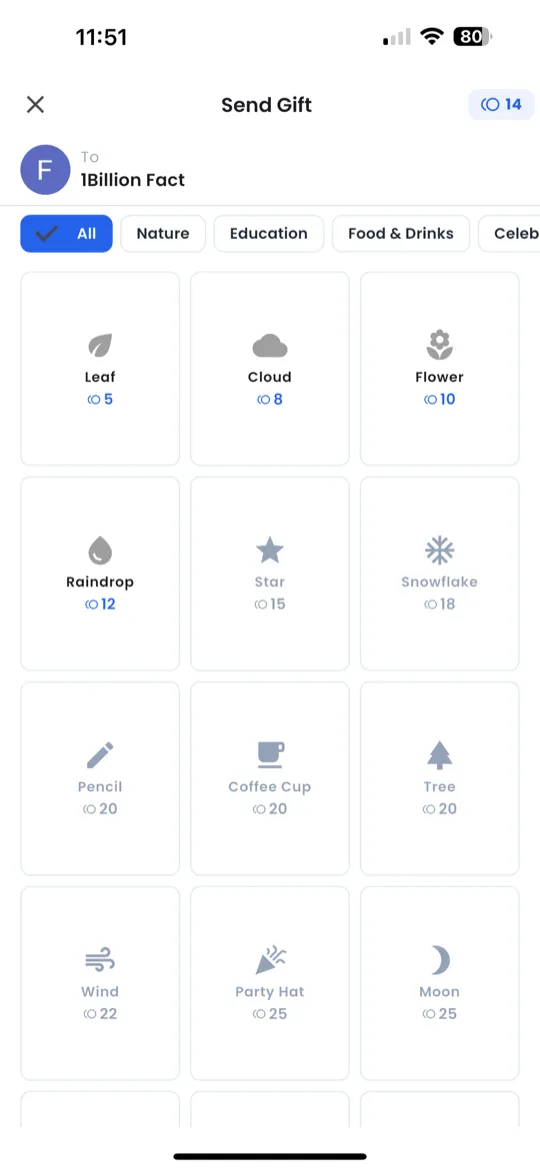
- Tap the gift icon on a user's profile or proof post.
- Browse 300+ virtual gifts organized by category.
- Select a gift and choose the quantity.
- Tap Send — coins are deducted from your balance.
Managing Your Subscription
Navigate to Profile → Premium to view your current plan and renewal date.
To cancel your subscription:
- iOS: Open Settings → Apple ID → Subscriptions → select Giftdemy → Cancel.
- Android: Open Google Play Store → Menu → Subscriptions → select Giftdemy → Cancel.