Profile Overview
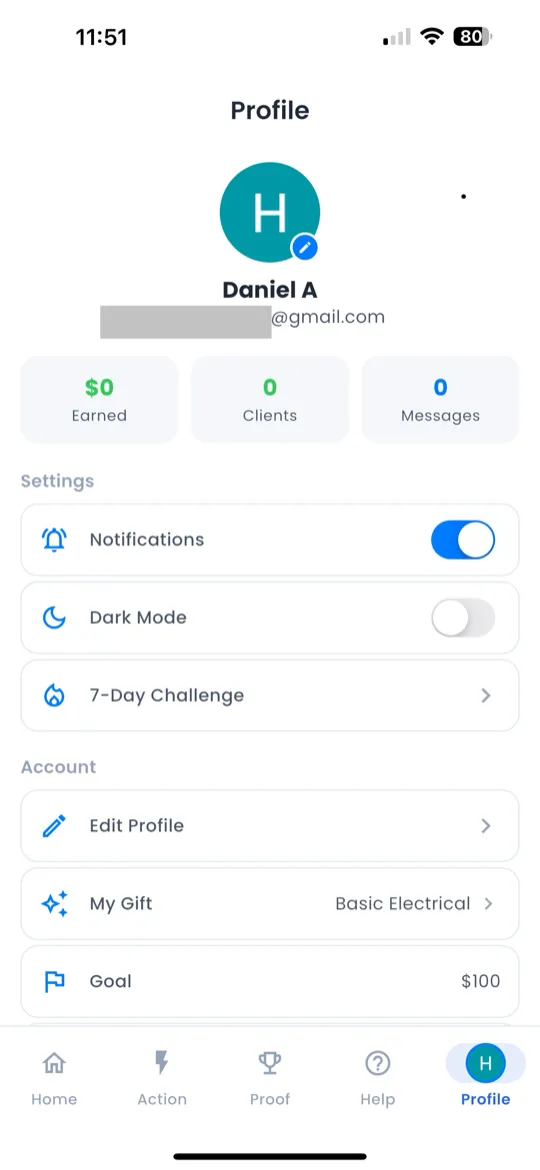
The Profile tab (👤) is the 5th and final icon in the bottom navigation bar. It's your personal hub.
At the top you'll see your avatar (tap to change), display name, and email.
Below your info, your key stats are displayed:
| Stat | Description |
|---|---|
| Earnings | Total revenue logged across all rounds |
| Clients | Number of clients in your pipeline |
| Round | Your current challenge round |
| Streak | Consecutive days checked in |
Edit Profile
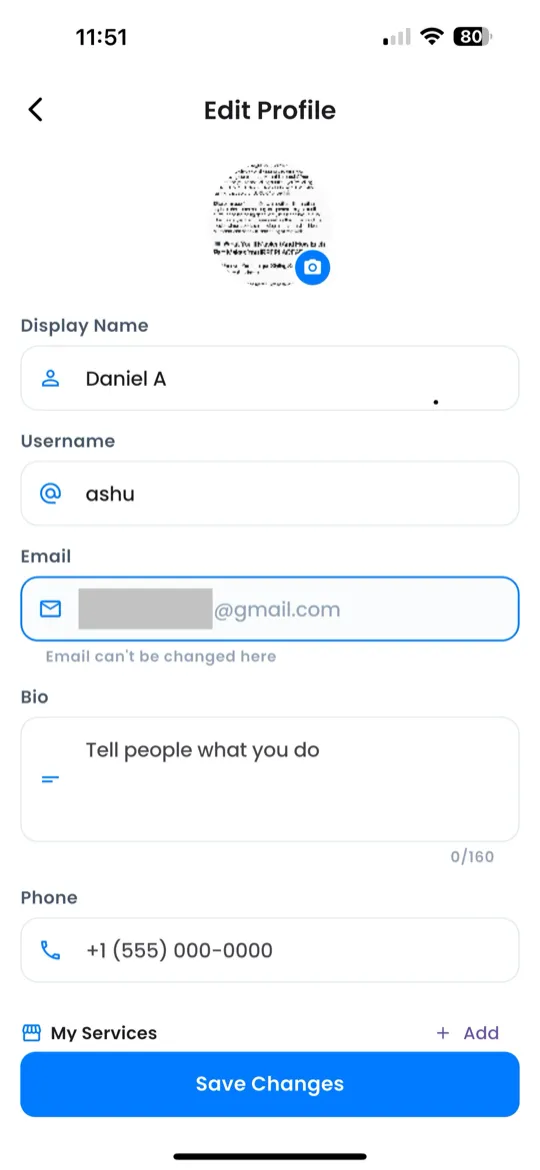
Tap Edit Profile to update your information:
- Name — your display name visible to the community.
- Username — your unique @handle.
- Bio — a short description about you and your gift.
- Phone (optional) — add a phone number for account recovery.
- Photo — tap your avatar to upload or change your profile picture.
When you're done, tap Save to apply your changes.
Settings
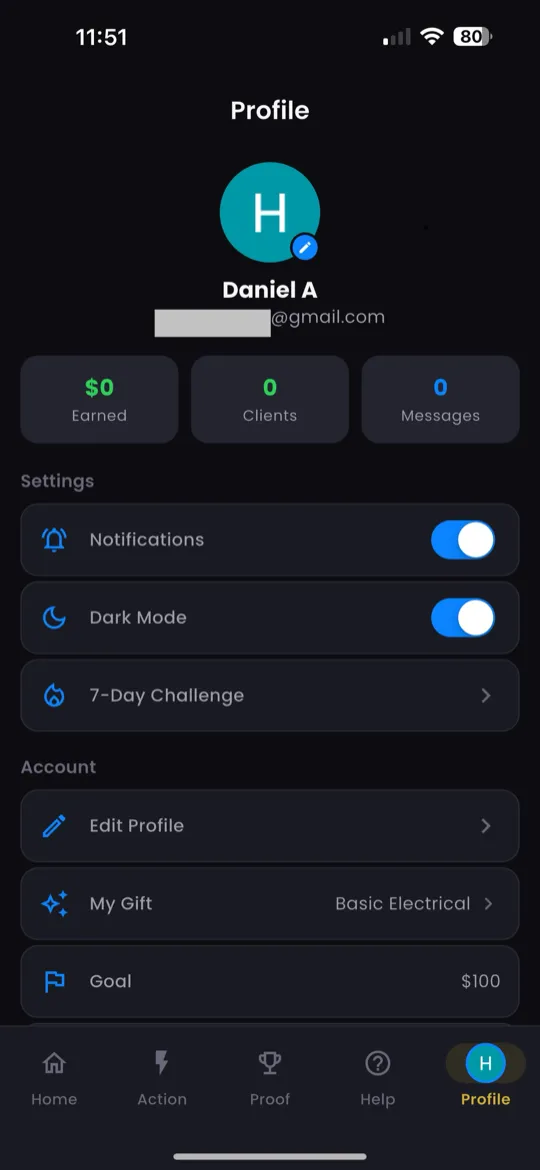
Below your profile info you'll find several settings options:
Dark Mode
Toggle the Dark Mode switch on the profile screen to switch between light and dark themes.
Help & Support
Access FAQs, contact support, and the Moni AI assistant from this section.
Admin Tickets
View and track your support tickets. See the status of any issues you've reported.
Delete Account
⚠️ Warning: This action is permanent and cannot be undone. Deleting your account removes all your data, including progress, revenue history, and coins.
To delete: tap Delete Account → read the warning → confirm deletion.
Notifications
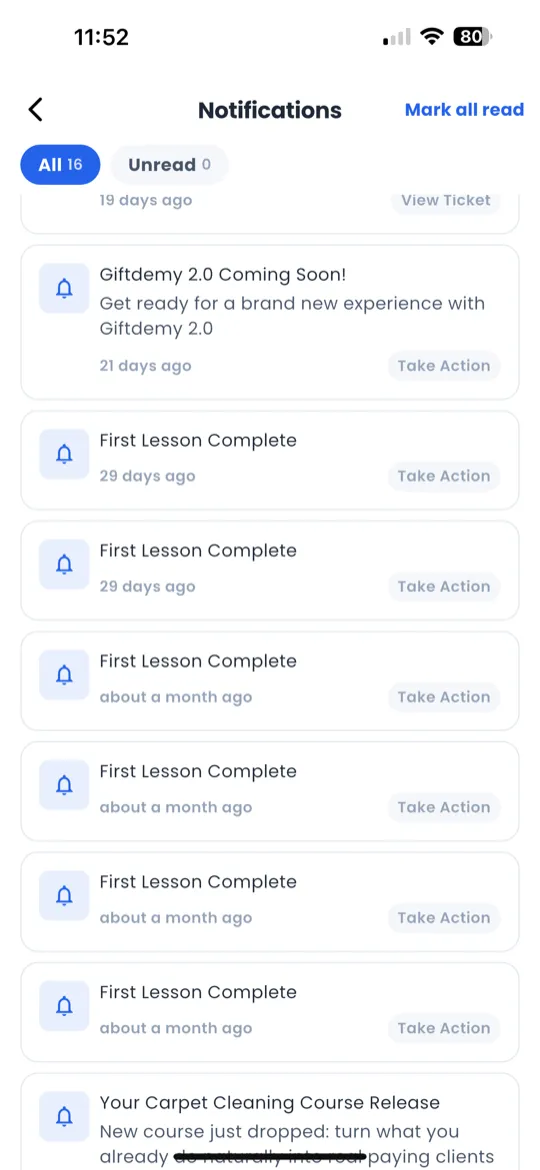
Tap the bell icon in the top-right corner of the Home screen to open your notifications.
- Time-grouped — notifications are organized into Today, Yesterday, This Week, and Earlier.
- Filter — toggle between All and Unread notifications.
- Deep links — tap any notification to jump directly to the relevant screen.
- Mark as read — notifications are marked as read when you tap them.
Sign Out
Scroll to the bottom of the Profile tab and tap Sign Out. You'll be returned to the welcome screen.