How to Open
You can open a Scenario Player session in two ways:
- Action tab → tap a scenario link from your daily actions
- Action Guide → tap a linked scenario within a lesson or action guide
When a scenario starts, it takes over the full screen with an immersive, step-by-step experience.
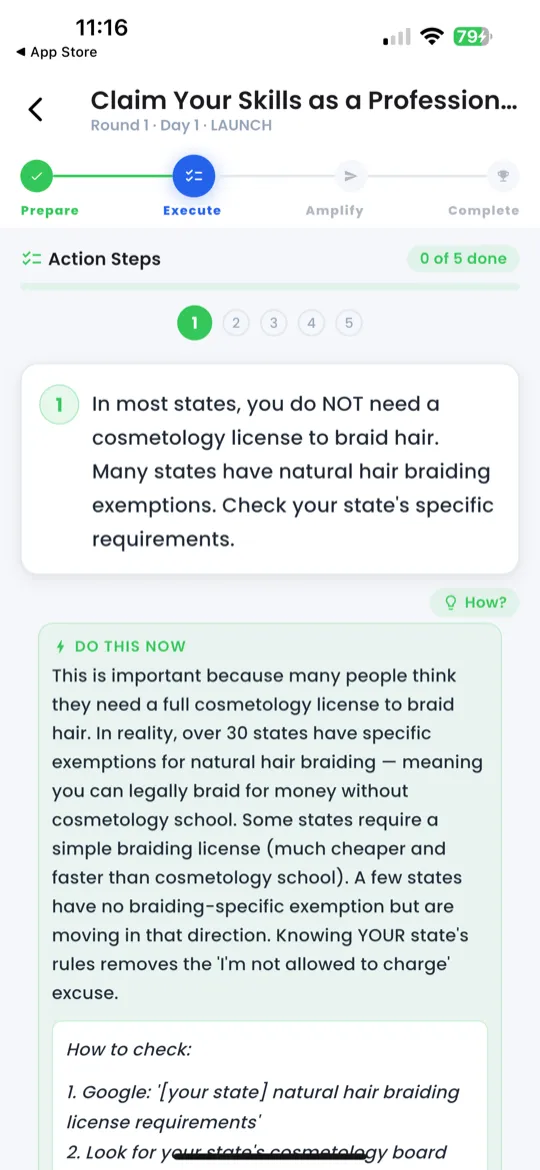
Phase 1 — Setup
The scenario begins with context. You'll see:
- Who — the person you're interacting with (e.g., "A potential client named Amara")
- What platform — where the conversation happens (e.g., WhatsApp, Instagram DM)
- Situation — the setup (e.g., "She just commented on your post asking about your prices")
This phase sets the scene so you understand exactly what's happening before you act.
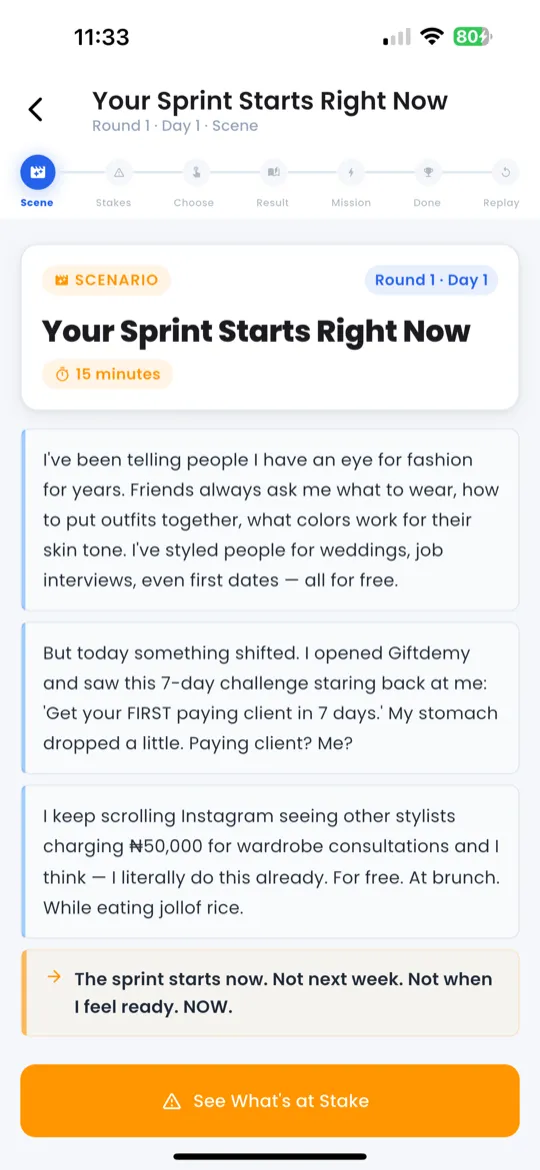
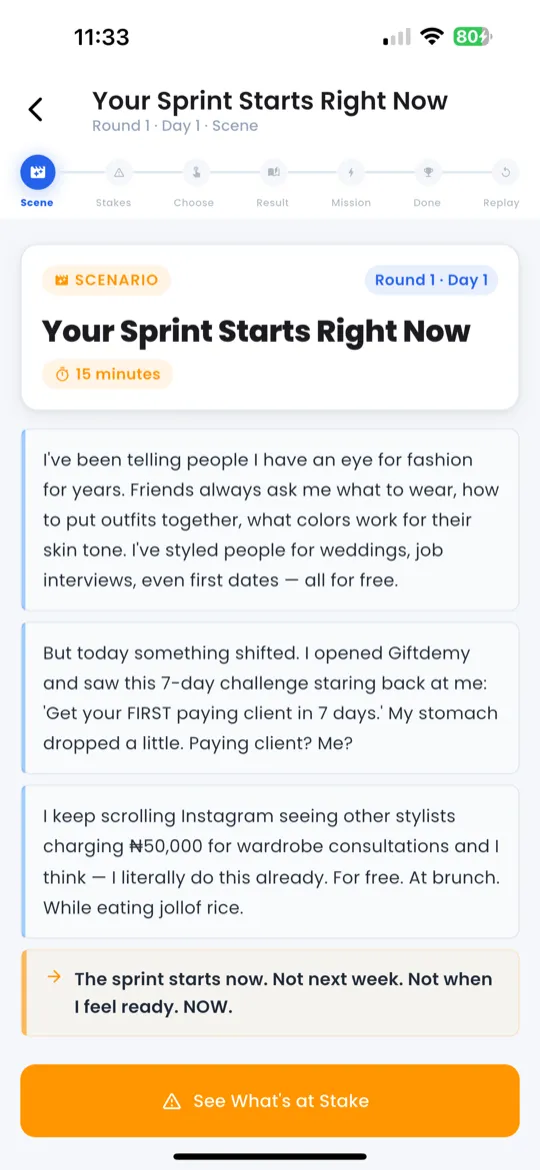
Phase 2 — Story
The narrative plays out — you'll see a short story or conversation excerpt that describes what just happened. This builds on the setup and gives you the emotional and practical context you need to make a decision.
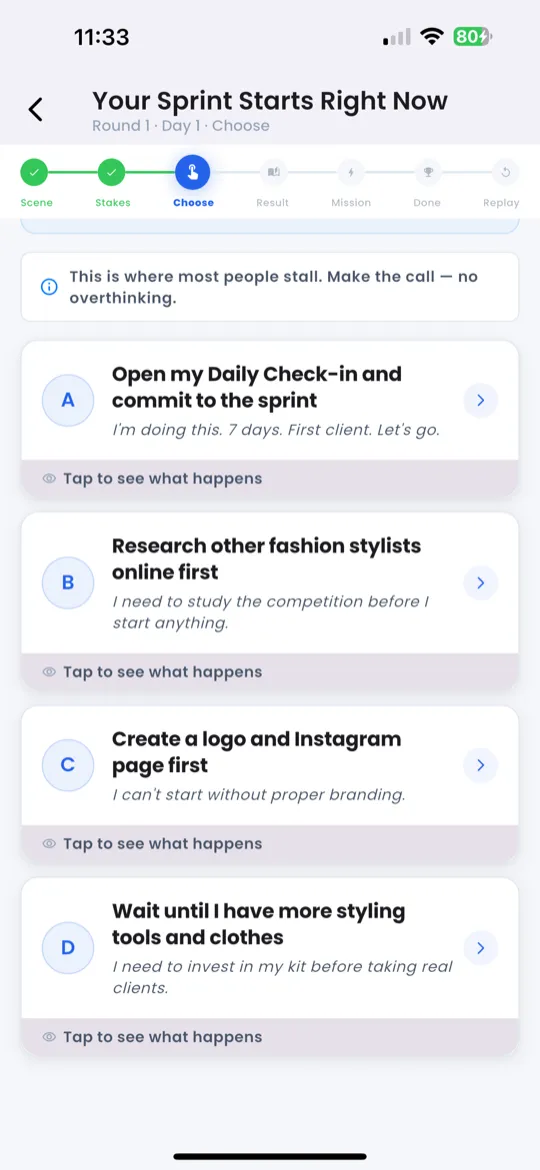
Phase 3 — Choose Response
Now it's your turn. You'll see 2–3 response options. For example:
- Option A: "Tell them about your service directly"
- Option B: "Ask what they need first"
- Option C: "Change the subject"
Tap the option you'd choose in real life. There's no wrong answer — each path leads to a different outcome and learning moment.
Phase 4 — Action
Based on your choice, you receive a real mission to complete:
- Mission description — what you need to do in real life
- Time estimate — how long it should take (e.g., "~5 minutes")
- XP reward — how much XP you'll earn for completing it
Some actions include an optional Ready-to-Send Script with a Copy button so you can paste it directly into your messaging app.
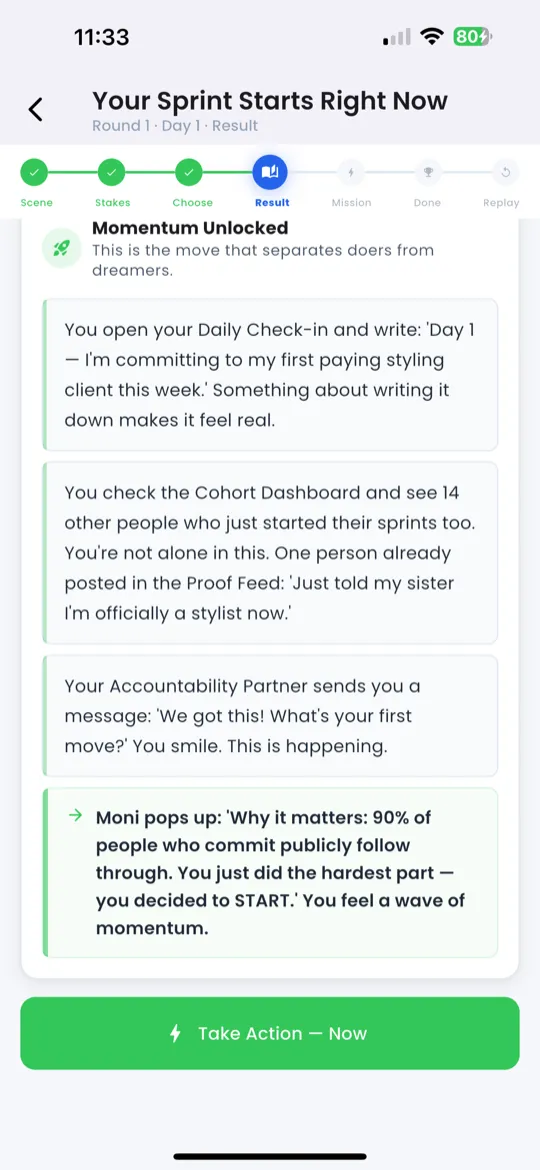
Phase 5 — Result
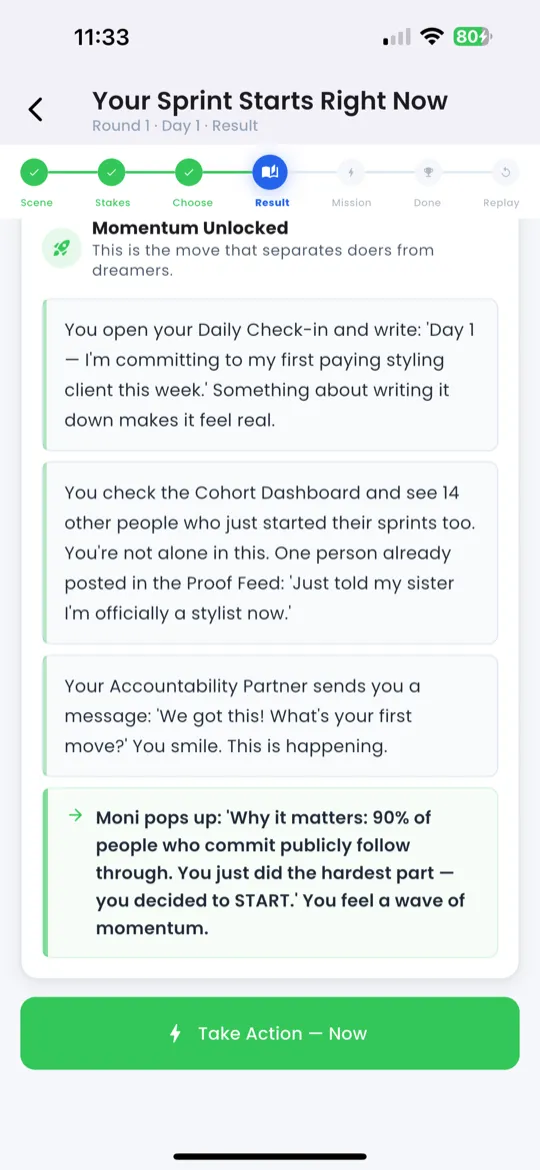
After completing the action, you'll see the outcome based on your earlier choice. The scenario shows what happened as a result — did the client respond? Did you close the deal? What went well?
This phase connects your decision to a realistic consequence, helping you build real instincts.
Phase 6 — Reflection
A reflection prompt asks you to think about what you learned. For example:
- "What did you notice about how the client responded?"
- "Would you choose the same option next time?"
This isn't graded — it's designed to help you internalize the lesson and apply it to your real business.
Phase 7 — Complete
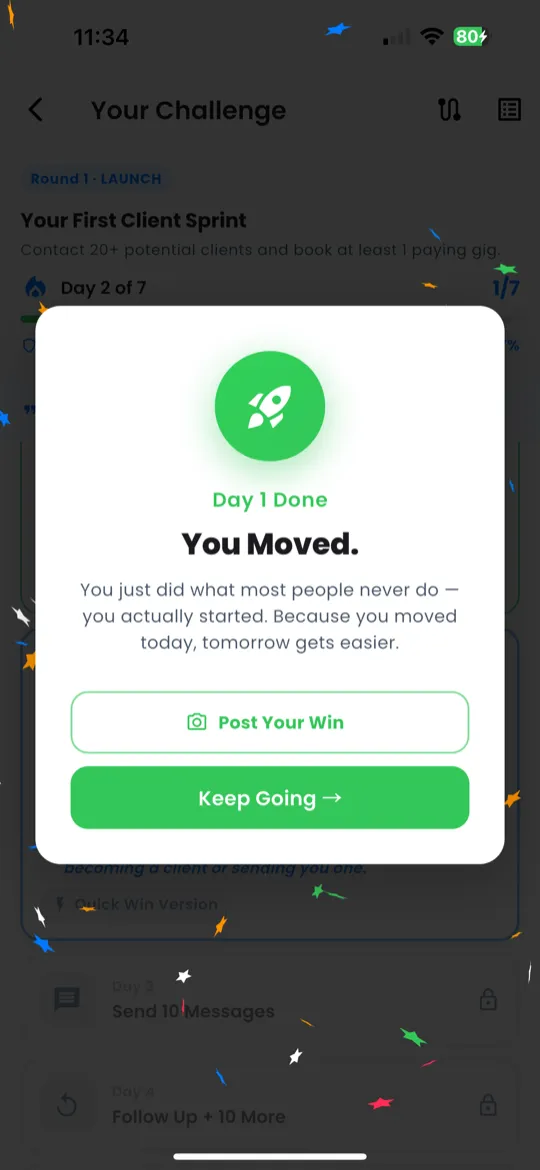
You've finished the scenario! Here's what happens:
- XP earned — added to your total
- Scenario marked done — shows as completed in your Action tab
- You're returned to where you came from (Action tab or Action Guide)
Tips
- There's no wrong answer — every path teaches something. Choose what feels natural.
- You can replay scenarios — try different choices to see all outcomes.
- Scenarios are personalized — they reference your gift, so the situations feel real and relevant to your business.